
Spotting Negative Workplace Behaviors

Certain workplace behaviors signal deeper issues in the office environment. These behaviors often arise when employees feel unappreciated, overwhelmed, or pressured to keep working when they truly need a break. Business owners and managers should be aware of these behaviors so they can address root causes, create a healthier workplace, and retain valuable employees.

Presenteeism

Presenteeism occurs when employees come to work when they really shouldn’t. Most often, it happens when someone is sick, injured, mentally exhausted, or dealing with personal stress, but still shows up. It can also mean staying late until the boss leaves, even when there is no real work left to do. Employees often do this because they don’t have enough paid time off, they fear losing their job, they’re under pressure to meet deadlines, or they don’t want to miss important office conversations.

The consequences of presenteeism can be serious. An employee who is truly ill will not be able to fully concentrate, which increases the likelihood of mistakes and lowers productivity. Their lack of rest may actually prolong their illness, requiring more time away from work later. They may also spread their illness to others, which can impact the whole team. In the case of stress or burnout, presenteeism may cause poor performance, errors, or even long-term disengagement.

Employers can help reduce presenteeism by:

  • Providing sufficient paid time off so employees don’t feel forced to work while sick.
  • Establishing clear guidelines about when someone must stay home (such as with a fever or sore throat).
  • Allowing flexible work arrangements for employees who are injured but still able to work in some capacity.
  • Creating a culture of trust and support, so employees don’t fear taking needed time off.

Quiet Cracking

Quiet cracking is a subtle but harmful workplace behavior that develops when employees appear to meet expectations on the surface, but are struggling internally with stress, burnout, or discouragement. Over time, these pressures cause the employee to “crack” quietly, pulling back from engagement and beginning to detach from their role.

Quiet cracking may be triggered by an overwhelming workload, lack of training, or unclear job expectations. It can also stem from feeling unsupported, unrecognized, or uncertain about the future of the job market. The outward signs may look small at first, but they often grow into larger problems for both the employee and the business.

Warning signs of quiet cracking include:

  • Withdrawal from team interactions and social events.
  • Reluctance to volunteer for new assignments or projects.
  • Changes in mood, behavior, or productivity.
  • Missed deadlines or slow responses to communication.
  • Increased absences from work.

Employers can help prevent quiet cracking by:

  • Checking in with employees regularly and showing genuine interest in their well-being.
  • Expressing appreciation and acknowledging contributions.
  • Providing clear job descriptions and realistic expectations.
  • Offering training and career development opportunities.
  • Balancing workloads so responsibilities are spread fairly across the team.

Rage Applying

Rage applying happens when an employee, frustrated or upset with their current job, reacts by rapidly applying to multiple other positions out of anger rather than thoughtful career planning. This often follows a triggering event—such as being passed over for a raise or promotion—and is more about venting frustration than finding the right next step.

While rage applying can sometimes lead to new opportunities, it carries risks. Employees may accept a job that isn’t a good fit or feel more stressed from juggling interviews on top of an already difficult situation. They may also miss opportunities to improve their current role through open communication and problem-solving.

Employers can help reduce rage applying by:

  • Ensuring employees are paid fairly for the work they perform.
  • Offering multiple paths for career advancement within the company.
  • Providing clear expectations for promotions and the skills required to achieve them.
  • Maintaining an open-door policy for employee concerns and frustrations.
  • Avoiding excessive workloads that lead to burnout and resentment.

Proximity Bias

Proximity bias occurs when managers favor employees who are physically present in the office over those working remotely. This bias is often unintentional, as leaders naturally see and interact more with in-office employees. As a result, those working remotely may miss out on key assignments, recognition, and promotions simply because they are “out of sight, out of mind.”

If unchecked, proximity bias can damage team morale and create inequity between employees. Remote workers may feel overlooked or disconnected, while in-office workers may gain advantages that don’t necessarily reflect performance. Over time, this can erode trust and cause talented remote workers to leave.

Employers can reduce proximity bias by:

  • Including remote and hybrid workers in all staff meetings and ensuring they have equal access to tools and resources.
  • Training managers to recognize and correct unintentional bias.
  • Setting clear guidelines for remote work expectations and responsibilities.
  • Using tools like Teams or Slack to keep all employees connected and informed.
  • Evaluating performance based on outcomes, not physical presence.
  • Offering remote employees opportunities to lead projects and apply for promotions.

Final Thoughts

Workplace environments will always present challenges, but business owners can create healthier, more positive cultures by addressing these negative behaviors directly. Employees who feel valued and supported are not only more productive but also more likely to stay long-term, helping your company grow and better serve its customers.
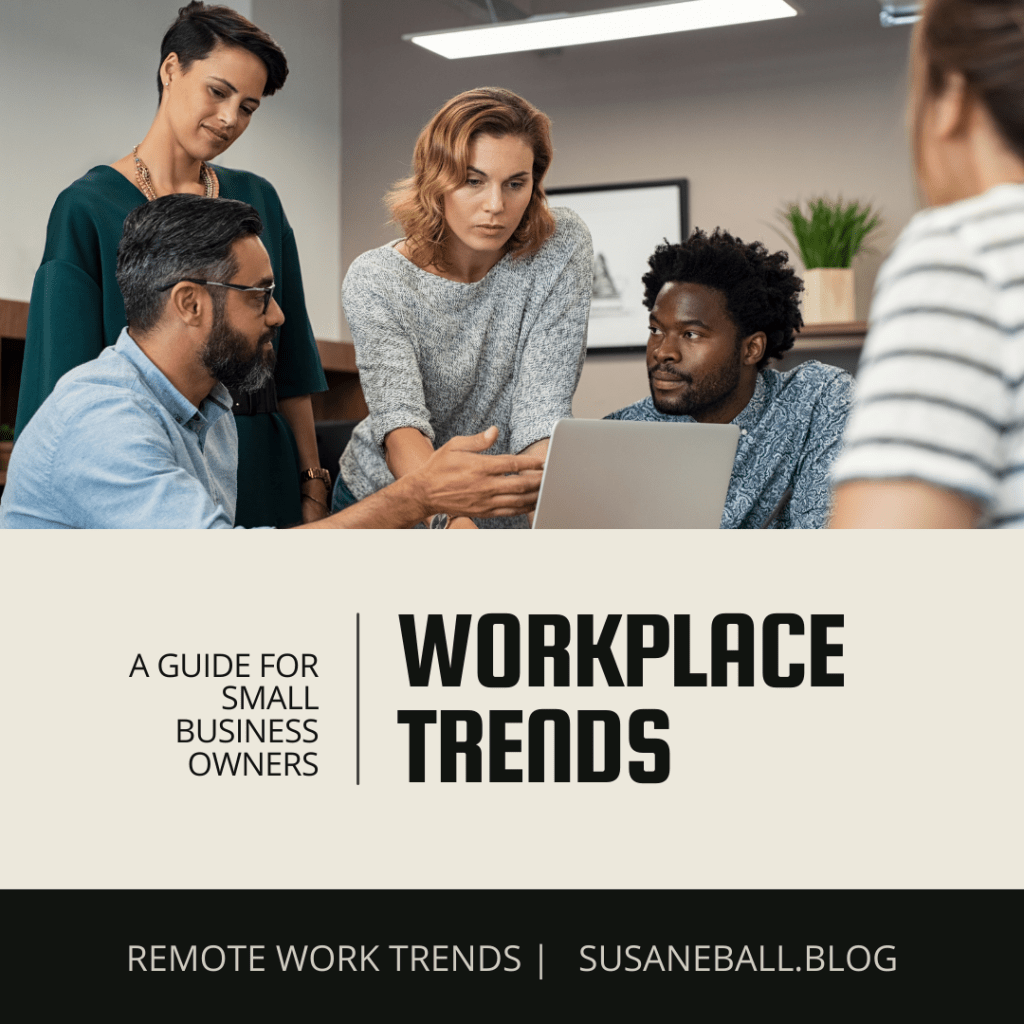

Remote Work Trends You Should Know

The way we work has changed dramatically in recent years. Remote work, once limited to a few industries, became mainstream during the COVID-19 pandemic. What started as a necessity has now evolved into an expectation for many employees. Flexibility in work location is often used as a bargaining chip to attract and retain talent, and new workplace trends have emerged as a result.

In this blog, we’ll look at three of the most talked-about trends—coffee badging, workcations, and digital nomadism—and what they mean for small business owners and managers.

Coffee Badging

Coffee badging is when employees make a brief appearance in the office—long enough to swipe their badge, grab a coffee, and connect with colleagues—before heading home to work remotely. While not every employee literally swipes in, the term has stuck to describe this trend.

In fact, I sometimes coffee badge myself on days I work remotely. I’ll come in for a staff meeting, chat for a few minutes afterward, and then return home where I can be more productive without office distractions.

The positives of coffee badging:

  • Creates opportunities for employees to connect in person, which can spark collaboration and problem-solving.
  • Breaks the isolation of remote work.
  • Helps employees maintain visibility and presence in the workplace without being tied to the office full-time.
  • Supports work-life balance while keeping connections intact.

The drawbacks of coffee badging:

  • Brief interactions may not be enough to build strong teams.
  • Employees who live far from the office may be excluded.
  • Some workers show up only to be seen, without contributing.

How leaders can make coffee badging effective:

  • Focus in-office meetings on activities that benefit from face-to-face interaction.
  • Use these times to recognize and encourage employees.
  • Ensure fully remote employees aren’t left out of opportunities or recognition.
  • Create a welcoming environment with coffee, snacks, and comfortable spaces.

Workcations

A “workcation” happens when employees travel to a vacation spot but continue working while they’re away. The appeal is obvious—new scenery, a chance to unwind after work hours, and often a boost in creativity. But without boundaries, workcations can blur the line between work and rest.

Tips to make workcations effective:

  • Employees should communicate clearly with their manager about work hours, especially if in a different time zone.
  • Reliable internet is a must—check this before booking.
  • Take at least a few true vacation days during the trip to fully recharge.
  • Plan around mandatory meetings and let travel companions know your schedule.

Digital Nomadism

Digital nomadism goes a step further: it’s not just a week away, but a lifestyle of traveling and working from anywhere. Enabled by the internet, this trend has grown significantly in the last 15 years. Today, many digital nomads are not just freelancers but full-time employees negotiating this flexibility with their companies.

Benefits:

  • Flexibility to live and work anywhere.
  • Exposure to new cultures and lifestyles.
  • Potential for improved work-life balance.

Challenges:

  • Navigating work permits and visa requirements.
  • Understanding tax and employment laws.
  • Coordinating across time zones with colleagues.
  • Protecting sensitive company data abroad.

Final Thoughts

Remote work has created both opportunities and challenges. Coffee badging, workcations, and digital nomadism are trends that reflect employees’ desire for flexibility and balance. As a small business owner, you don’t need to embrace every trend, but it is wise to understand them.

Take time to evaluate which positions in your company can be done effectively outside the office. Develop clear guidelines for remote work, and balance flexibility with accountability. Done right, offering remote options can help you attract and retain top talent who might not otherwise consider your business.

Small Business Owners: Free Up Your Time and Boost Profits with a Virtual Assistant

The demands of running a business are endless. As a small business owner, you’re responsible for overseeing daily operations, managing employees, handling financials, filing taxes, networking, planning marketing campaigns, making growth decisions—and that’s just the start.

It’s no surprise that many entrepreneurs experience stress and overwhelm.

One proven way to lighten the load is by outsourcing tasks that either fall outside your comfort zone or don’t require your direct decision-making. A virtual assistant (VA) can be an affordable, flexible solution to help you manage your workload while allowing you to focus on growing your business.

Tasks Commonly Outsourced to Virtual Assistants

Start by identifying which responsibilities you’re comfortable handing off. Many small business owners delegate tasks in the following areas:

Marketing Tasks

  • Creating ads and promotions for traditional marketing outlets
  • Developing content for social media platforms
  • Responding to comments and messages on social media
  • Creating and maintaining a marketing calendar
  • Graphic design and video editing

Administrative & Back-Office Tasks

  • Data entry
  • Scheduling appointments and meetings
  • Replying to customer inquiries and messages
  • Invoicing and recording payments
  • Paying bills

Bookkeeping Tasks

  • Recording daily transactions
  • Payroll processing
  • Reconciling bank statements
  • Maintaining ledgers
  • Filing insurance claims

Financial Reporting Tasks

  • Filing quarterly and annual payroll reports
  • Filing monthly sales tax reports
  • Running monthly profit and loss statements
  • Developing cash flow analyses

Technical & Web Support Tasks

  • Developing and maintaining your website
  • Updating site links and plugins
  • Providing IT support
  • Overseeing cybersecurity

How to Hire a Virtual Assistant

If you’ve decided a virtual assistant might be right for you, follow these steps to get started:

1. Identify Tasks to Outsource
Make a list of the duties you’d like a virtual assistant to handle.

2. Estimate Time Requirements
Determine how many hours per week these tasks will require.

3. Research Pay Rates
Check the going rates for the type of work you need in both the U.S. and international markets.

4. Evaluate Your Budget
Decide what you can afford. If needed, prioritize only your most time-consuming or uncomfortable tasks.

5. Create a Job Description
Be clear about responsibilities and required skills—such as bookkeeping certification, social media experience, or website management. If hiring internationally, specify proficiency in English.

6. Search for Candidates
You can find virtual assistants through:

  • Freelance platforms (Fiverr, Freelancer, Upwork)
  • Virtual assistant services (Zirtual, Time etc., Belay)
  • Referrals from your professional network

7. Screen and Interview Applicants
Look for:

  • Relevant work experience
  • Strong communication skills
  • Proven reliability and time management
  • Positive references
  • Optional: assign a short test task

8. Onboard Your VA

  • Set clear expectations for tasks and deadlines
  • Use affordable project management tools like Monday.com, ClickUp, or Teamwork.com
  • Provide regular feedback and encouragement

Final Thoughts

If you find the right virtual assistant and outsource the tasks that take the most time or cause the most stress, your workload — and stress level — can be reduced significantly. More importantly, youll free up valuable time to focus on the aspects of your business that only you can do.

While hiring a virtual assistant does require an investment, it can pay for itself in several ways. For example:

  • A skilled virtual assistant managing your social media accounts can increase engagement and attract new clients.
  • Delegating routine administrative or bookkeeping tasks frees you to spend more time meeting with clients, networking, or developing new services.
  • An assistant handling website updates or email responses ensures customers receive timely attention, which can improve customer satisfaction and lead to repeat business.

When you use your reclaimed time to focus on revenue-generating activities, your business can become more profitable — turning your virtual assistant from an expense into an investment.

If youve ever hired a virtual assistant, Id love to hear your insights and advice in the comments!